v1.0

Major VersionM

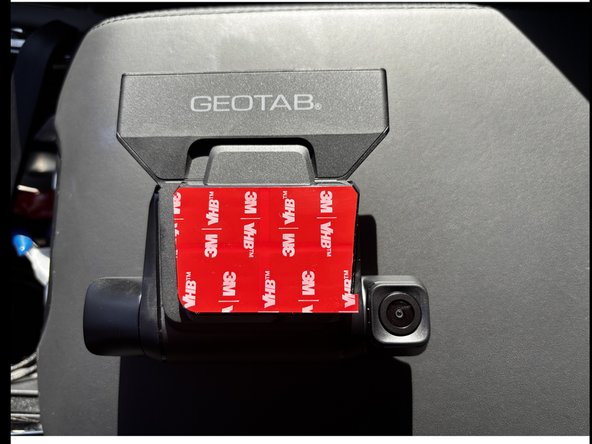
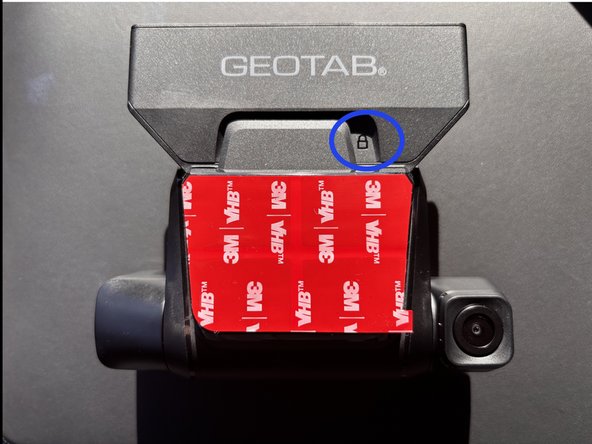
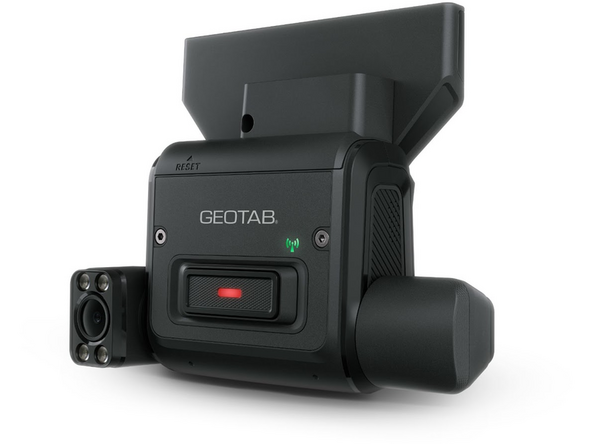
by Sebastian Arbelaez

Hardware & Accessories

No Hardware & Accessories specified.

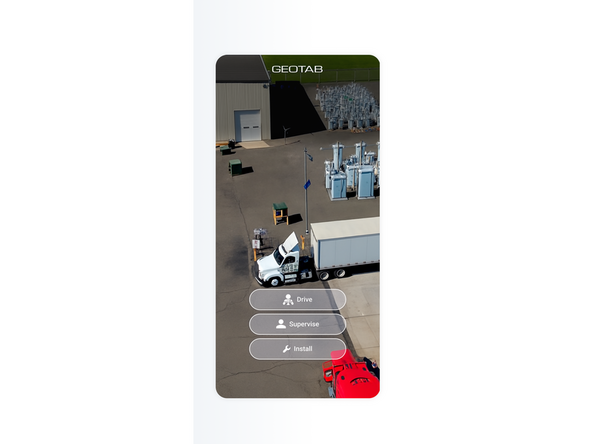
  1. On your phone, download Geotab video app
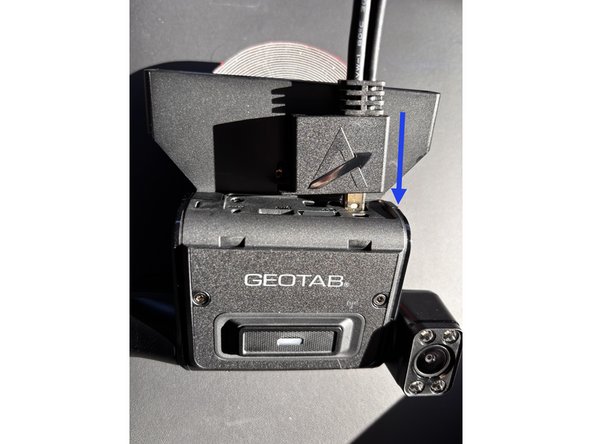
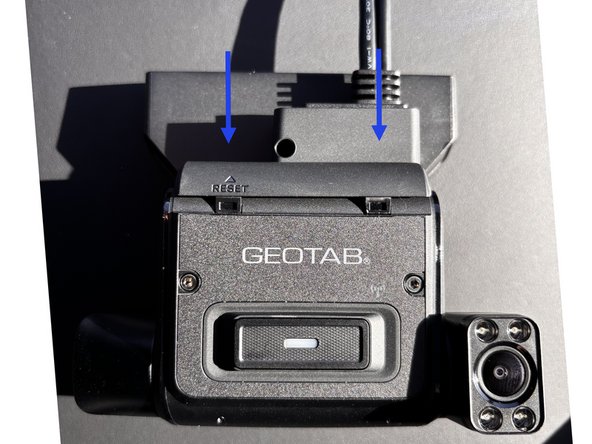
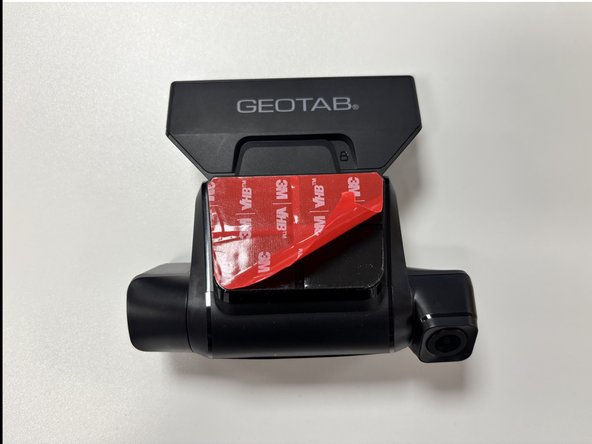
  2. Attach the mounting bracket to the back of the Go Focus Plus devices. Push the bracket until you hear a click and see the padlock engraved.
    • Attach the mounting bracket to the back of the Go Focus Plus devices.

    • Push the bracket until you hear a click and see the padlock engraved.

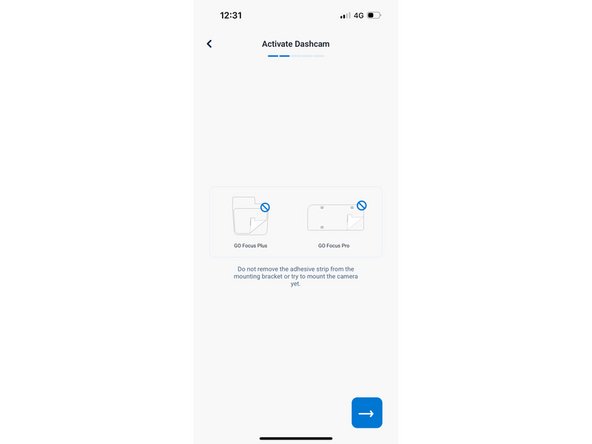
    • Do not remove the adhesive strip yet.

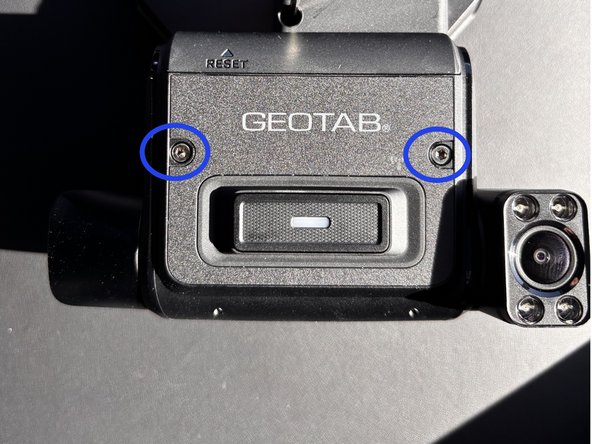
  3. Using the provided hex key, loosen both dashcam locking screws to prepare the dashcam for adjustment.
    • Using the provided hex key, loosen both dashcam locking screws to prepare the dashcam for adjustment.

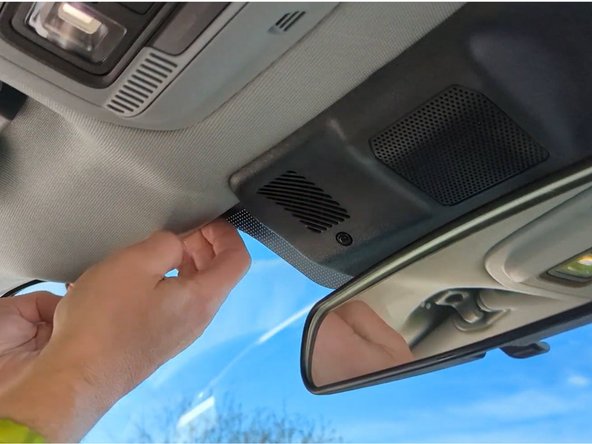
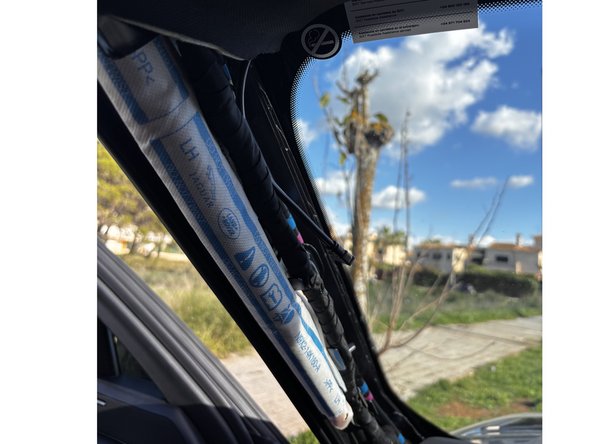
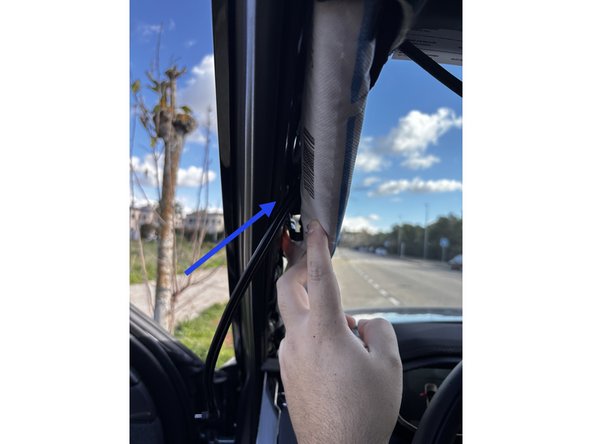
  4. Route the cable between the headliner and roof towards the A-pillar. Remove the covers on the A-pillar so you can route the cable underneath. Ensure you route the cable behind any obstruction, such as the airbag, so that the cables do not interfere with deployment.
    • Route the cable between the headliner and roof towards the A-pillar.

    • Remove the covers on the A-pillar so you can route the cable underneath.

    • Ensure you route the cable behind any obstruction, such as the airbag, so that the cables do not interfere with deployment.

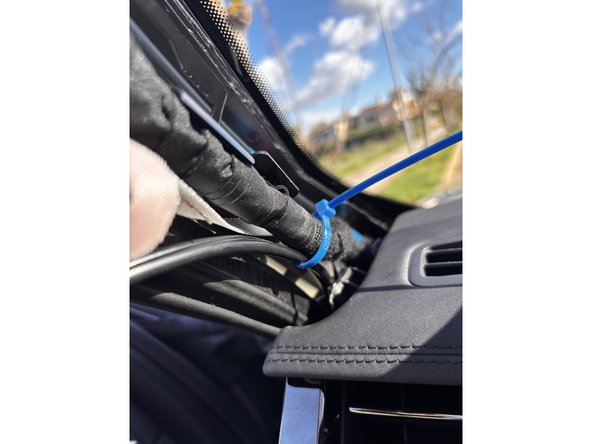
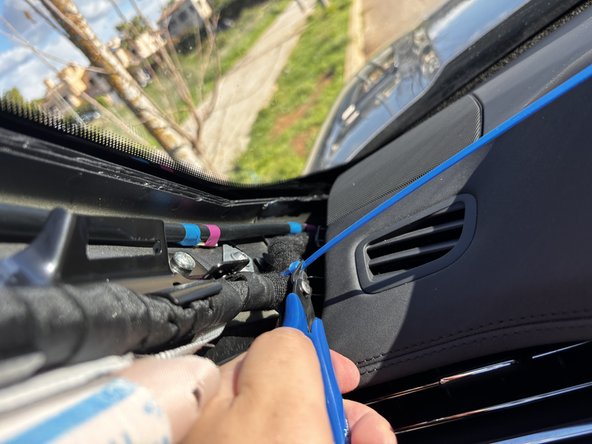
  5. Use cable ties to secure the wiring. Trim any excess tie.
    • Use cable ties to secure the wiring.

    • Trim any excess tie.

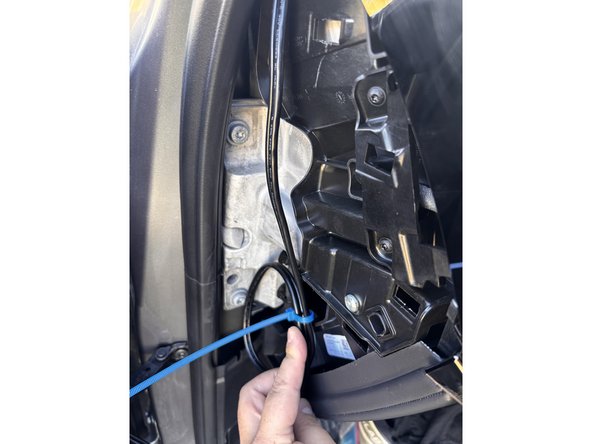
  6. Continue routing the cable through the dash to reach the GO device.
    • Continue routing the cable through the dash to reach the GO device.

    • Use a cable tie to secure the cable and trim any excess tie.

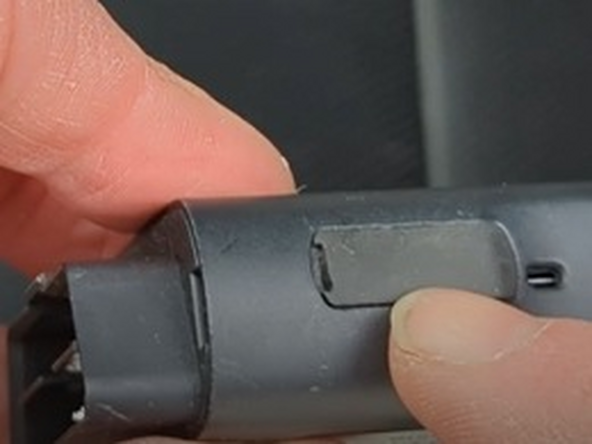
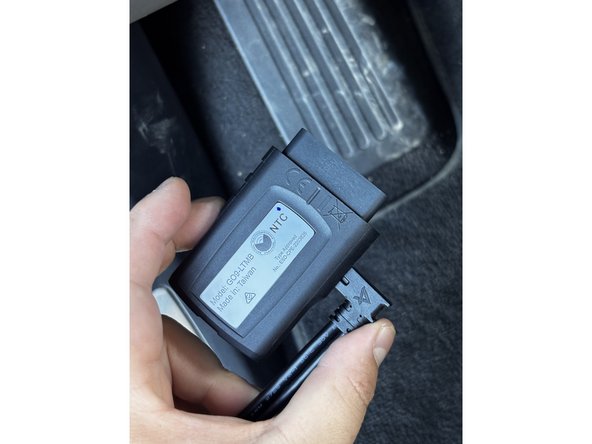
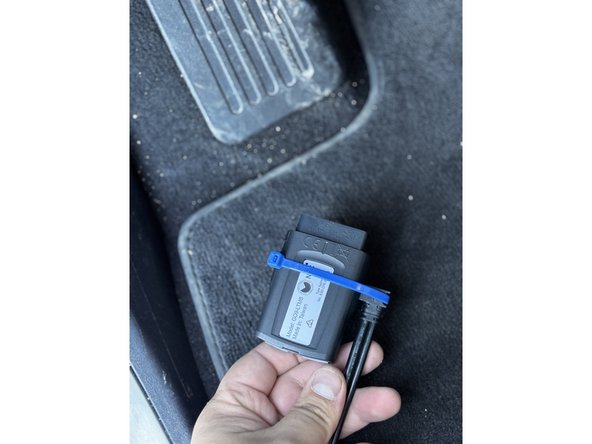
  7. Ensure the GO device is not connected to the vehicle for this step. On the GO device, remove the IOX expansion port cover and plug in the IOX extension cable. GO Focus Plus to work with daisy chained IOX devices. However, it must the last IOX device in the daisy chain due to lack of an expansion port.
    • Ensure the GO device is not connected to the vehicle for this step.

    • On the GO device, remove the IOX expansion port cover and plug in the IOX extension cable.

    • GO Focus Plus to work with daisy chained IOX devices. However, it must the last IOX device in the daisy chain due to lack of an expansion port.

    • Use a cable tie to secure the connection and trim any excess tie.

    • Be gentle while tightening the cable tie, can get damage.

  8. Connect the power plus of the Smart Cable to the Go Focus Plus device power port. Attach the  I/O cover to secure the cable. Tighten the cover lock screen with the provided hex key.
    • Connect the power plus of the Smart Cable to the Go Focus Plus device power port.

    • Attach the I/O cover to secure the cable. Tighten the cover lock screen with the provided hex key.

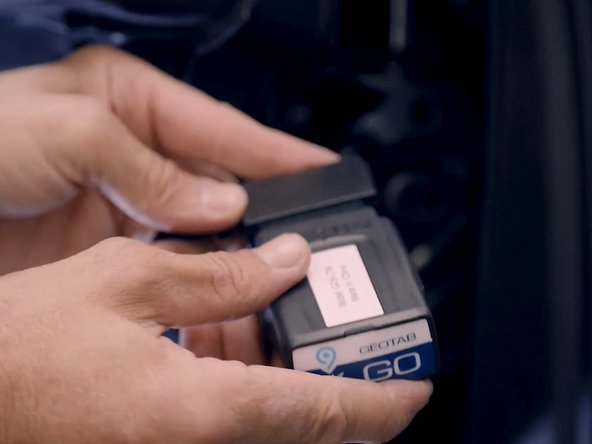
  9. Next, install the GO device following best practices.
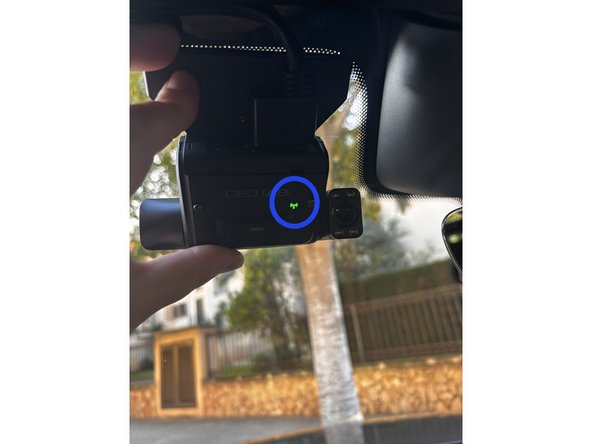
  10. Power on the Go Focus Plus and the vehicle. Status LED will start blinking Blue
    • Power on the Go Focus Plus and the vehicle.

    • Status LED will start blinking Blue

    • After plugging the Go Focus Plus device for the first time , please wait 4-5 minutes for the status LED to Solid Green.

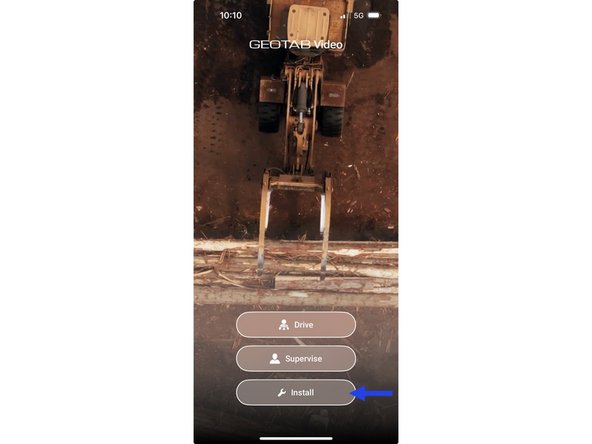
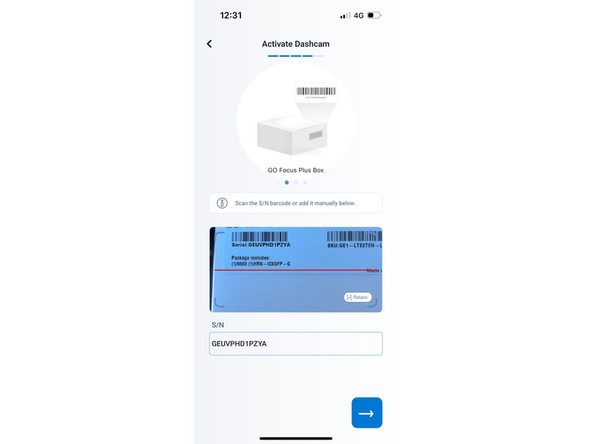
  11. Open the app and tap install to sign in or sing up. you do not need to have an existing account and can use an unregistered email address to log in. Scan the serial number of the camera or enter it manually. Scan the serial number of the camera or enter it manually.
    • Open the app and tap install to sign in or sing up. you do not need to have an existing account and can use an unregistered email address to log in.

    • Scan the serial number of the camera or enter it manually.

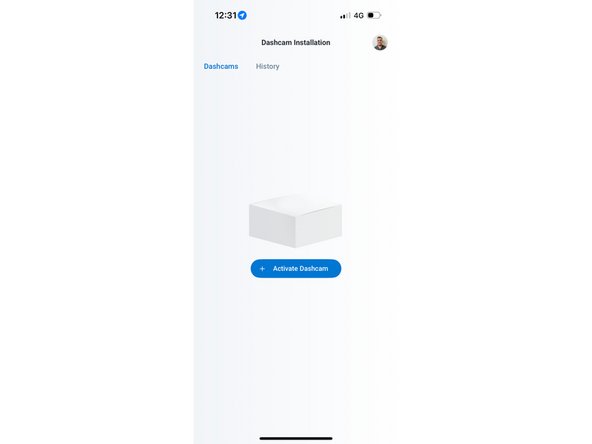
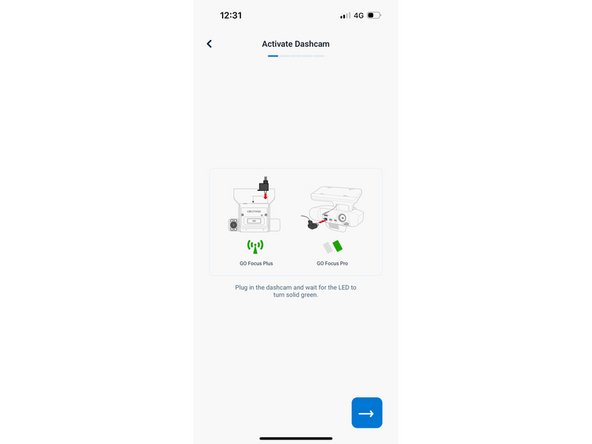
  12. Tap Activate dashcam and follow the prompts to mount and adjust the cameras. Scan the Serial number with the camera or enter it manually. Scan the Serial number with the camera or enter it manually.
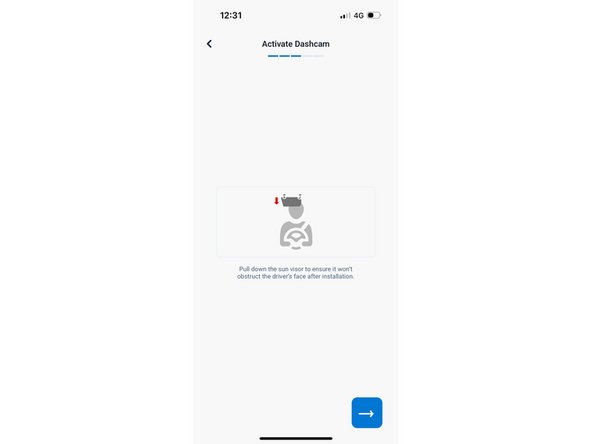
    • Tap Activate dashcam and follow the prompts to mount and adjust the cameras.

    • Scan the Serial number with the camera or enter it manually.

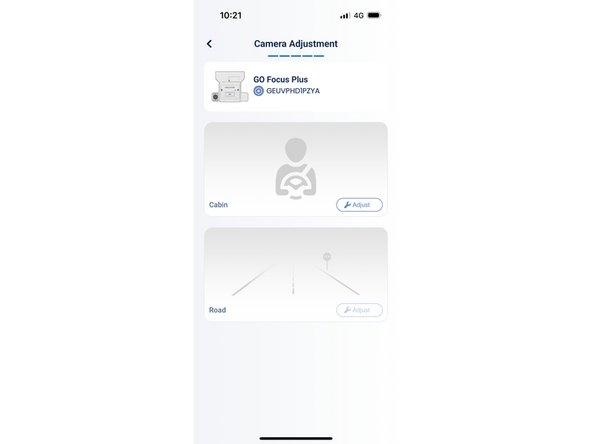
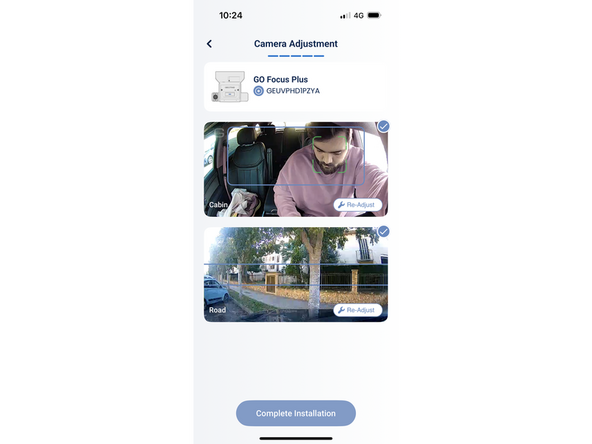
  13. Tap  first on the cabin and adjust the camera. Ensure the  face its unobstructed and aligned with the blue rectangle.
    • Tap first on the cabin and adjust the camera.

    • Ensure the face its unobstructed and aligned with the blue rectangle.

    • Tap on the face road camera

    • Position the horizon line between the two parallel blue lines.

    • The sensor is now calibrated and the installation is complete.

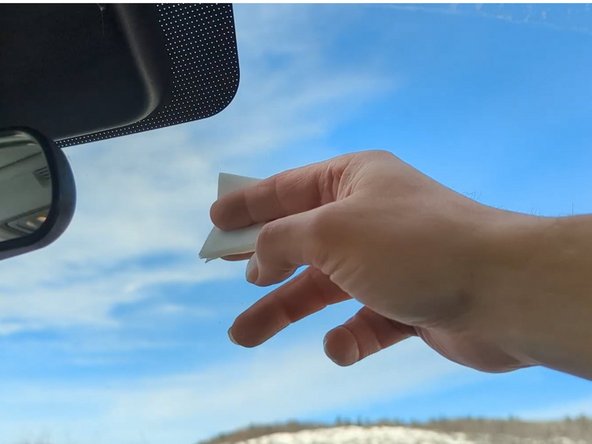
  14. Use the provided alcohol-based wipe to clear the area of the location the Go focus Plus will be installed. Once the installation area is clean and dry, remove the film from the adhesive and position the Go Focus Plus . Apply pressure for 30 seconds.
    • Use the provided alcohol-based wipe to clear the area of the location the Go focus Plus will be installed.

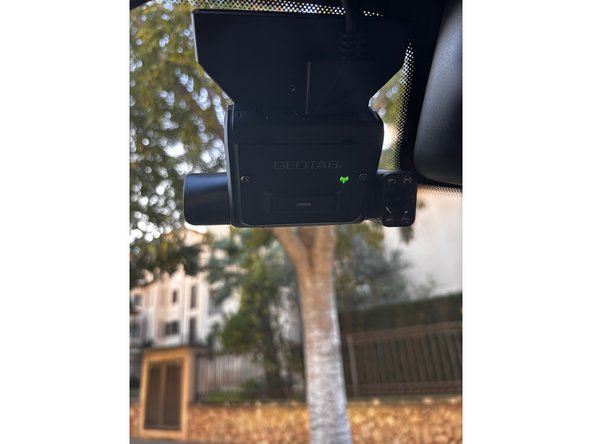
    • Once the installation area is clean and dry, remove the film from the adhesive and position the Go Focus Plus .

    • Apply pressure for 30 seconds.

Finish Line

Sebastian Arbelaez

Member since: 3/28/25

10 Guides authored