-
-
Before installing, confirm that a Geotab device with Bluetooth functionality is installed and active in the host vehicle or asset area.
-
Have the Go Anywhere Tag serial MAC address available - it's printed on the device.
-
You will need MyGeotab administrator or manager-level access to add a new device.
-
-
-
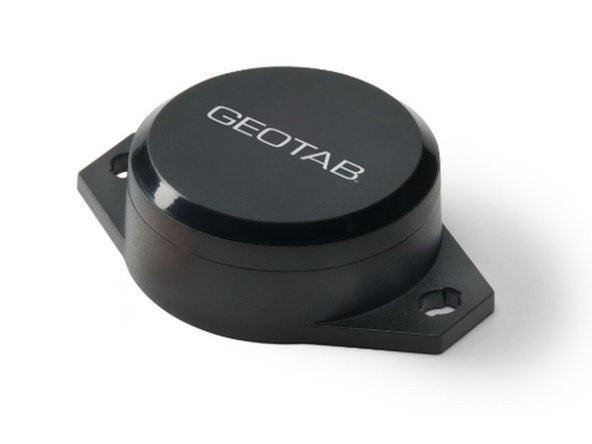
The GO Anywhere Tag bluetooth beacon can be installed with double-sided adhesive pads or screws with a diameter up to 4.5mm (both adhesive pads and screws are not included).
-
WARNING - Keep the GO Anywhere Tag away from children. This device contains a CR2477 coin cell battery. If swallowed, seek immediate medical attention.
-
WARNING - Do not attempt to open or disassemble, or modify the device. The battery is user-replaceable but must be replaced with an identical CR2477 coin cell only.
-
WARNING - Do not expose the device beyond its rated IP67 protection or operating temperature range of -20C to +70C. Operating outside rated condtions may damage the device and void the warranty.
-
-
-
For more information see Go Anywhere Tag
-

Team
